
Increasing Measures: Datacolor Lightcolor Meter
A handy and inexpensive, all-in-one standard light meter and color meter
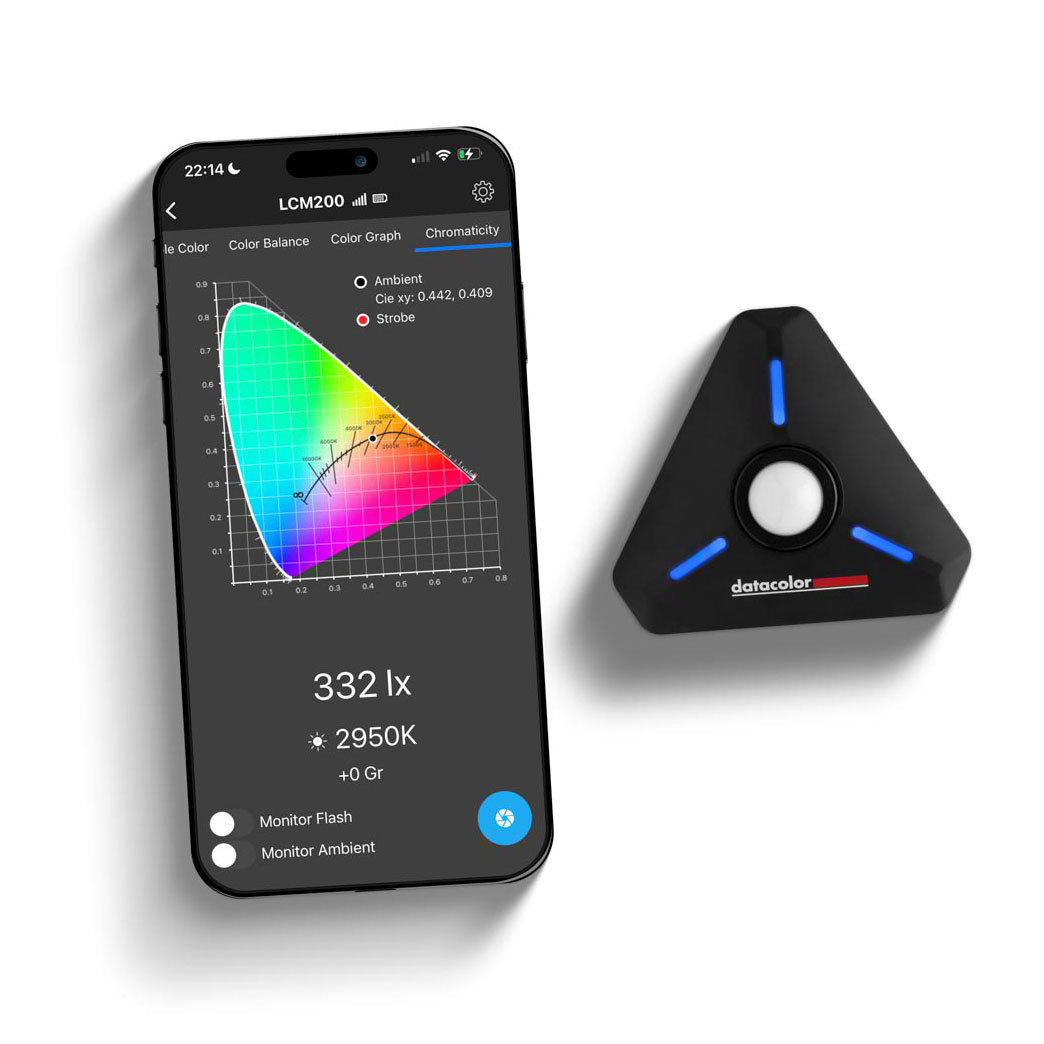
Recently, I’ve been working with the Datacolor LightColor Meter (LCM), which combines the functionality of a standard light meter and a color meter in a single, small device that’s accompanied by an app for mobile devices. It works with both constant and flash sources.
The hardware part of the LCM is a triangular puck that connects via Bluetooth to the free Datacolor LCM app, which runs on an Android or iOS mobile device. Two AAA batteries power the puck. The corners of the puck are squared off, with a power switch on one corner, a 2.5mm sync cord port on the second, and a lanyard attachment bar on the third. In the middle of the bottom edge of the puck is a 1/4"-20 threaded socket. On the back of the puck is a magnetic attachment spot for a pair of mounts included in the kit.
In the puck’s center is a white dome on a spring-tensioned mount. With the dome raised, the LCM works like any incident meter for reading multiple light sources. In the retracted position, it measures light across a narrower angle. Multi-color LCD bars stretch from the center to each corner, and the color indicates the status of the puck.
THE APP
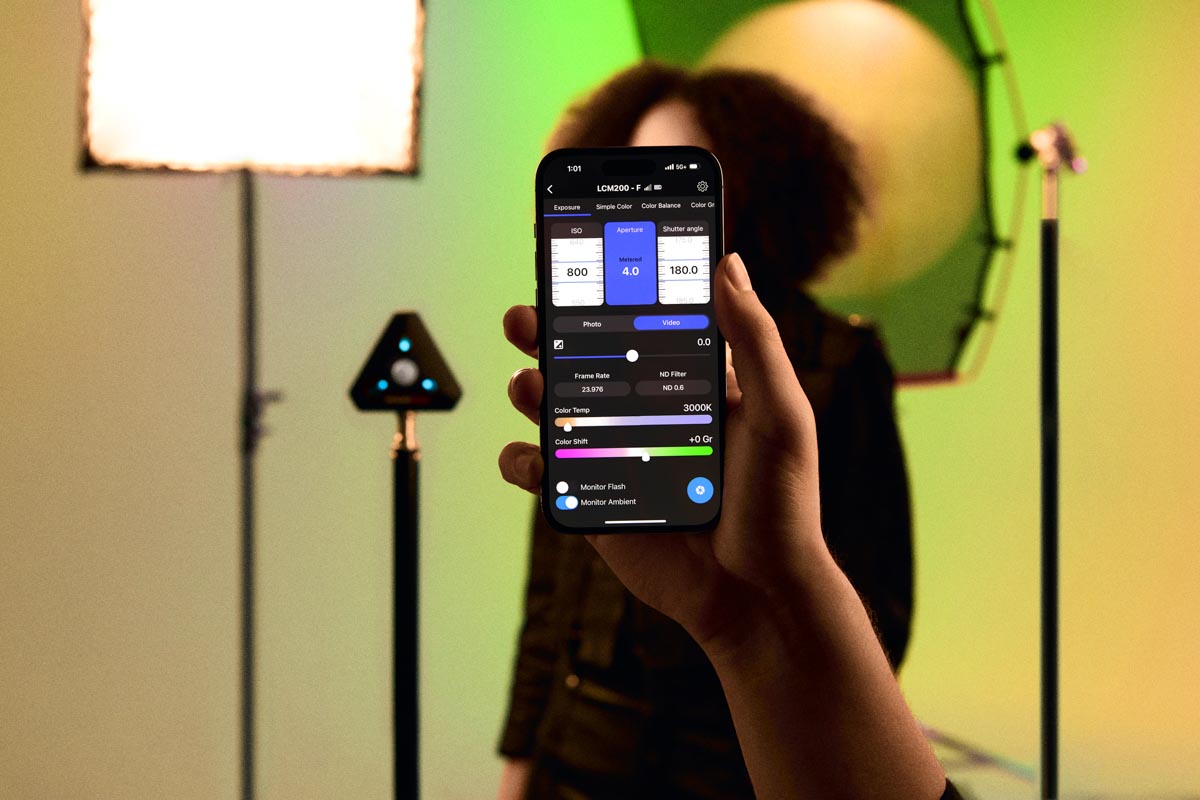
There is little to say about the LCM’s utility as a light meter for still photography with constant or flash lighting. In Still Exposure mode there are three scales to set ISO (3-512,000), aperture (f/0.5-90), and shutter speed (30 minutes to 1/16,000 second). There’s also an option for exposure bias setting in 1/3-stop increments from -3 to +3 stops. If you prefer 1/10-stop increments, that option is in the settings menu. When using flash, it will display the ratio to ambient light. If freezing motion is essential to a project, you’ll be happy to know the LCM also measures flash duration.
In Video Exposure mode, light metering is more interesting. The shutter speed scale changes to shutter angle (which you can switch to shutter speed in the settings menu). Below those is an exposure bias scale, which, in the settings menu, can be set over a +3 to -3 stop range in 1/3-stop increments (or switch to 1/10-stop increments). Set two exposure setting variables (these will have white backgrounds), along with a bias setting, and the meter will display the variable you are solving for on the scale that is blue.
For video work, the exposure meter display changes. There are other inputs—frame rate (1 to 1,000 fps and custom) and ND filter compensation (none and 0.3-2.0)—and more important, the color temperature and color shift scales are displayed, so you don’t have to switch to the Simple Color interface.

Johnny Spring, manager of Professional Photographers Resource in Atlanta, kindly agreed to pose for a shot lit with two bi-color LED lights. I set the camera’s white balance based on a reading by the Datacolor LCM of the light to subject’s left.
COLOR METERING MODES
With the LCM, there are four ways to see, understand, and use the color measurements:
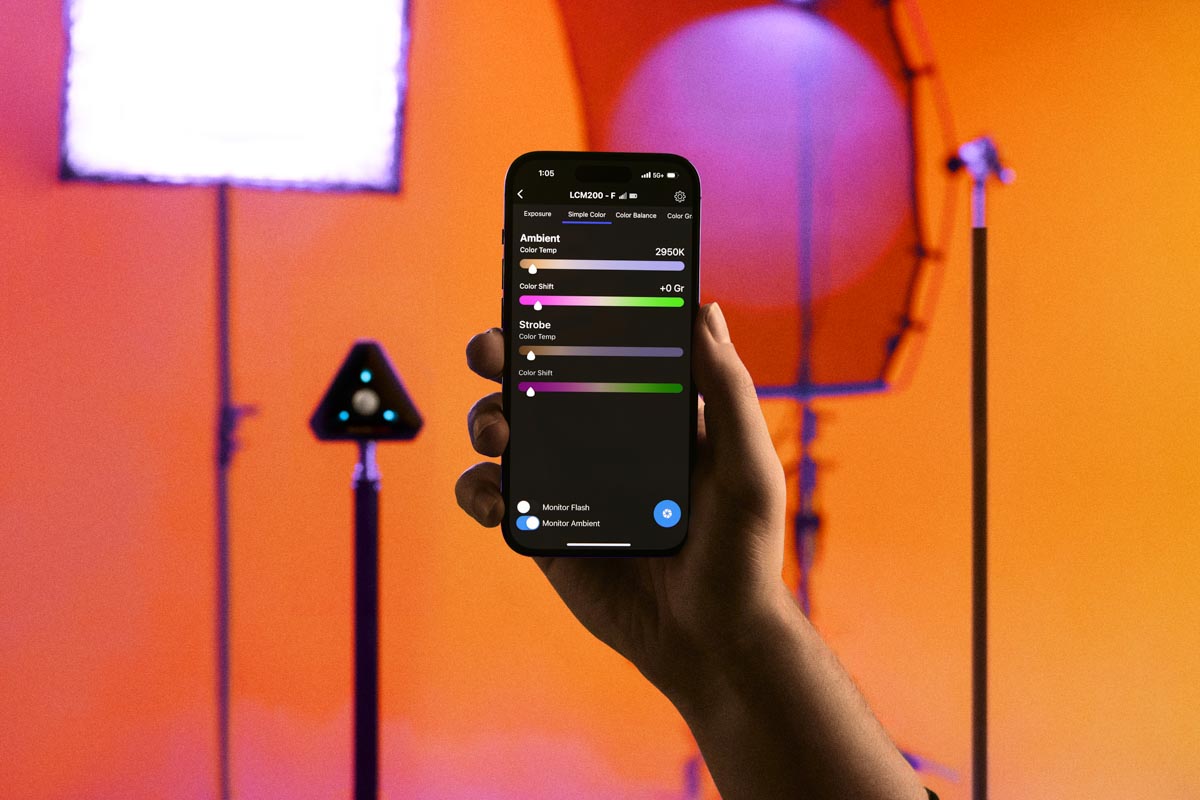
- Simple Color displays the Kelvin color temperature plus magenta/green (or Duv).
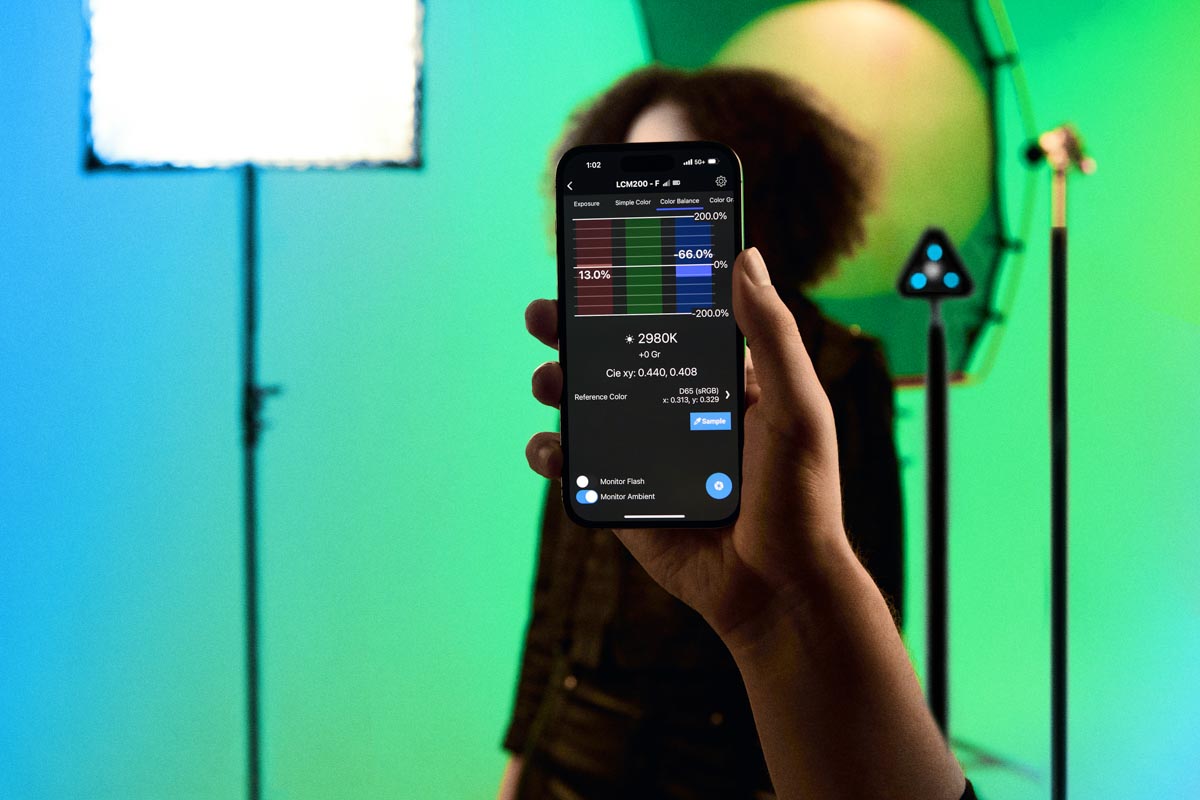
- Color Balance has more detailed information. It shows red, green, and blue as bar graphs with the Kelvin reading and tint below. You can see the excess or deficit of red, green, and blue light produced by the light you are reading. Next it displays the CIE xy values relative to your choice of one of six reference colors: D65, D50, 6,500K, 5,500K, 5,000K, A (tungsten), and delta E. You can also create a sample value.
- Color Graph will be most interesting for photographers who work with physical or electronic emulation of gels such as RGB LED type lights. Along with the Kelvin temperature and tint of the light, there are options to see the effects the full range of Rosco, Lee, and Profoto gels will have on the metered light. You can also choose from a list of filtered light types.
- Chromaticity, for the very technically oriented, lets you evaluate the purity of light’s color separate from its brightness. It provides a light measurement in Lux and a graphical representation of the color temp and color shift on a CIE xy color space diagram.
Unlike traditional meters, the LightColor Meter and its app can be set to continuously monitor ambient and flash lighting and combine readings from multiple LCMs.

I used a still life setting and a bi-color LED set to 5,600K and the white balance on my Nikon Z6III to Auto 1 “Keeps Overall Atmosphere.” It is more blue-leaning in color balance than what my eyes perceived.

For this image I set the camera and the LED light’s white balance to 5,600K, and the color appearance is more true to my perception.

A reading with the LightColor Meter measured the bi-color LED light set at 5,600K as 5,400K, so for this image I set the camera’s white balance to 5,400K. This image is more accurate based on what my eyes perceive in natural light.
Tags: lighting