
From Stills to Storytelling
Why it’s time to add video to your photography business

If you’ve been putting off adding video to your photography business, you’re not alone. Plenty of photographers keep video at arm’s length, treating it as a separate industry that requires a distinct skill set, an additional gear bag, and another professional identity.
Nashville, Tennessee-based commercial portrait and headshot photographer, videographer, and educator Jeff Carpenter, Cr.Photog., understands this reticence. That was him not long ago: unsure about jumping into a new discipline, and wary of the gear and technical considerations. But as clients increasingly requested video along with his photography bookings, he realized he was leaving money on the table.
As he started adding video services, Carpenter learned that what often prevents photographers from diving into this unfamiliar medium is more a mental block than equipment or expertise. Once photographers get past the hurdle, a panorama of new opportunities awaits, he says. Today, videography makes up about 50% of Carpenter’s business, a lucrative add-on that has helped him dramatically expand the level of service he provides. He will be sharing his experiences and tips at Imaging USA 2027. “It’s not as daunting of a task as most photographers think,” he says. “We’ve already got most, if not all, of the gear that you would need to at least get the ball rolling. And we understand light and composition and storytelling. You’re really just tiptoeing around an industry that your toes are already in.”
TELL A BETTER STORY
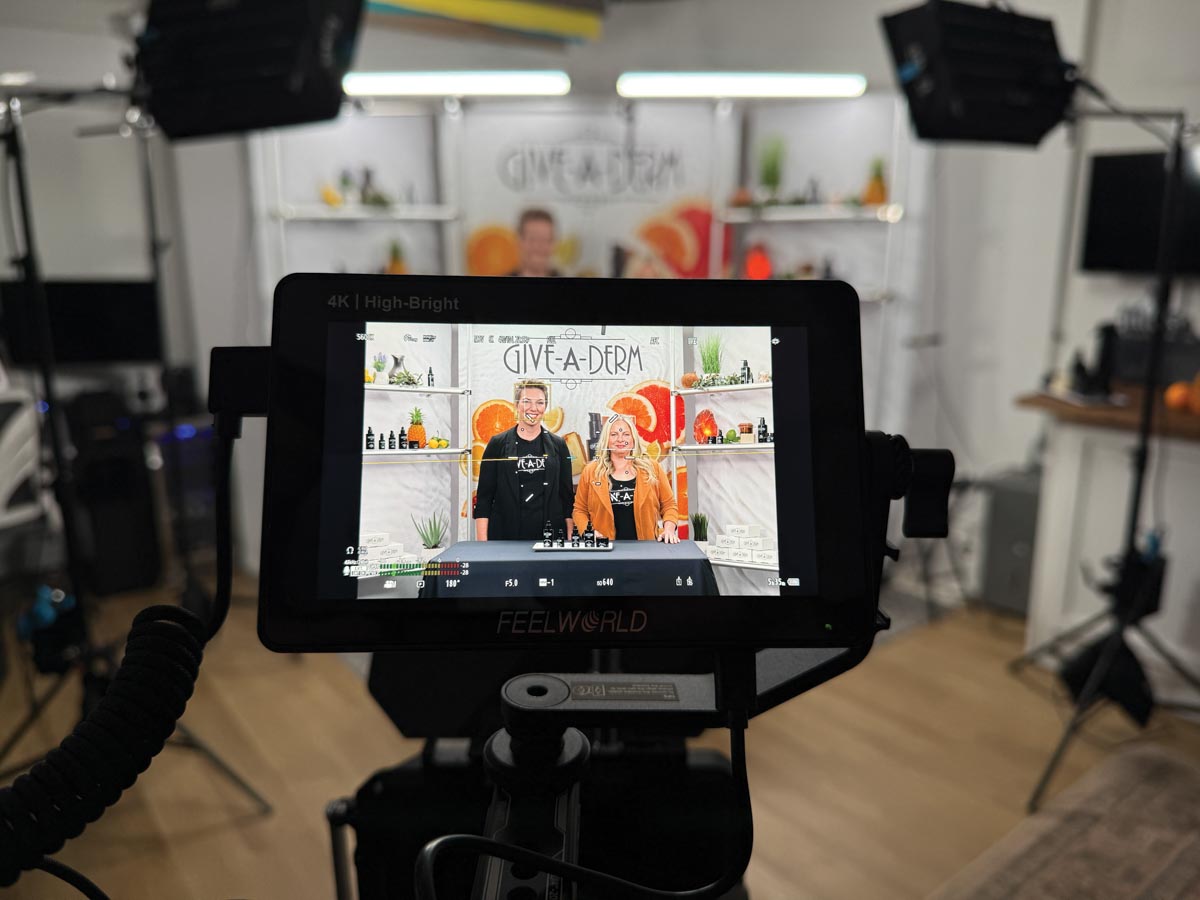
Video extends the narrative element that many commercial, wedding, and portrait photographers consider central to their work, Carpenter explains. Events like weddings are natural fits for video coverage, and commercial or product work translates easily into short-form video. Fitness and lifestyle clients benefit from movement-based content that shows a product in action. Portrait and headshot videos need a clear purpose, whether that’s a video resume accompanying a corporate headshot or behind-the-scenes footage that tells the story of a particular portrait session.
“I’ve got clients who ask me to tell the story about what their company does as another way to reach their potential clientele,” says Carpenter. “Obviously, you can do that with photos, but video provides another way to communicate that story in a way that can be easier for today’s audiences to digest.”
BUILD THE VIDEO GEAR BAG
One of the biggest myths about videography is that it requires an investment in gear. Carpenter suggests that photographers leverage what you already have, with a few strategic additions.
A camera you already own. Most professional cameras from the last decade will shoot high-quality video that works well for social media and typical client uses.
A way to shape light. Natural light works great for simple video sessions, “and we all have a window,” says Carpenter. The next step is an investment in a continuous light system to provide more consistency. But in a pinch, many strobes have an LED function that will get you through a video session. Carpenter sometimes uses the LED function that’s built into his Profoto strobes for simple talking-head videos, rather than bringing a dedicated lighting rig.
A decent microphone. “Audio makes up 80%, if not more, of video,” Carpenter says. “If the audio is bad, it’s really easy for viewers to check out.” The solution could be as simple as clip-on pocket mics that will sync to a smartphone or plug directly into a camera. DJI and SmallRig both offer affordable wireless models that work well for an entry-level videographer kit.
Affordable editing software. Carpenter recommends DaVinci Resolve, Blackmagic Design’s editor, which he says does what most photographers-turned-videographers need. It has a free download version with no watermark and no meaningful export limits. The upgraded Studio versions bring extra features for a little under $300.
More storage. Digital storage is an area many new videographers overlook. A multi-camera video interview can eat up a terabyte by itself, says Carpenter. His recommendation: Repurpose old hard drives into an external enclosure, invest in networked storage, and/or shoot in a standard (non-log) profile to save space when you don’t need the extra flexibility in post.
A WORKFLOW THAT WON’T WEAR YOU OUT
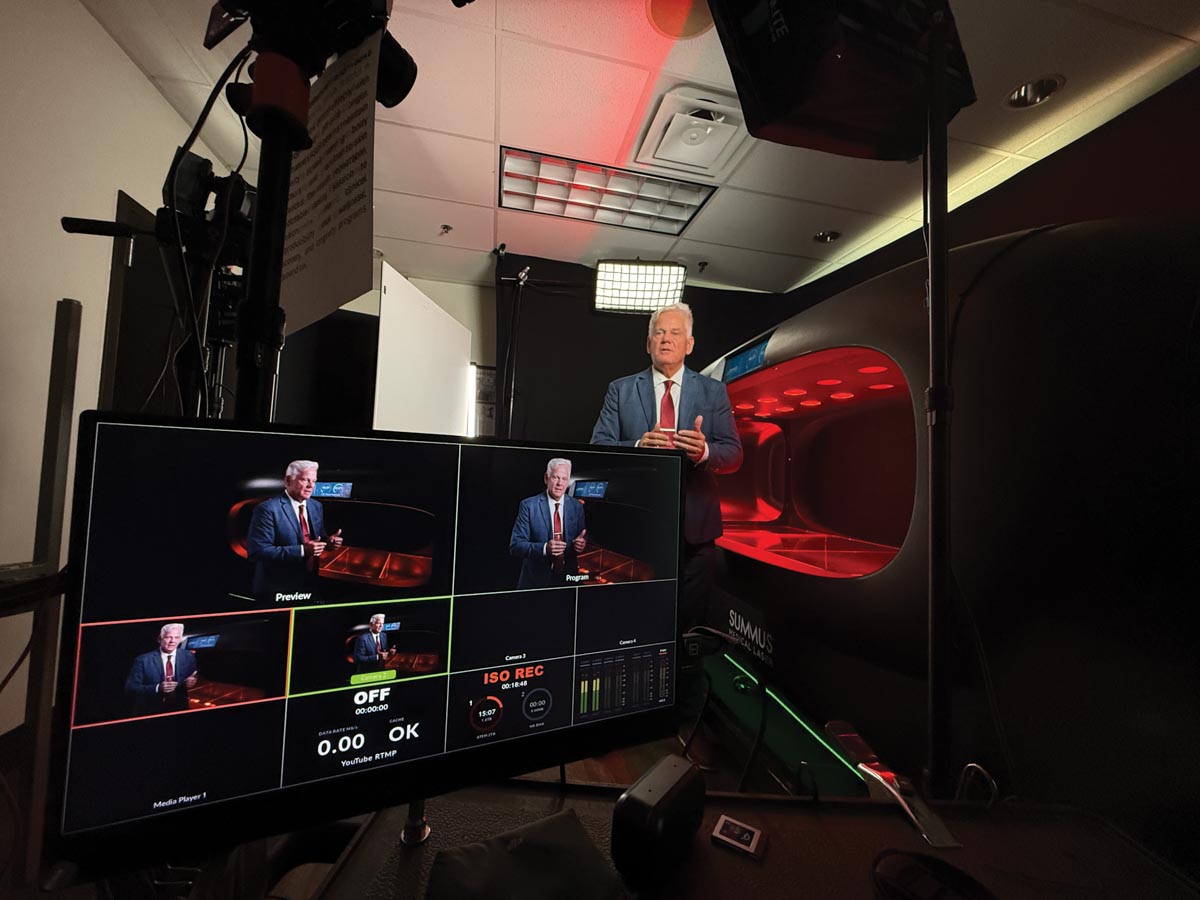
Carpenter is the first to admit that organization isn’t his natural strength, but adding video forced him to be more disciplined. That discipline has, in turn, improved his photography, he notes. Carpenter now runs detailed discovery and pre-production calls with clients so everyone knows what to expect. At the session, Carpenter keeps photography and video work separated into distinct blocks rather than switching back and forth between media. “If you’re constantly going from photo to video to photo to video, it just gets confusing,” he says. Splitting the session—photo first, then video, or vice versa—makes life easier and allows for a more concentrated creative approach. Carpenter also runs separate camera systems for each discipline (Panasonic for video, Canon for photo), though he’s quick to note that’s a personal preference, not a rule.
Everyone’s workflow will be different, so the key is to borrow ideas from photographers who’ve made the transition rather than copy them, he says. “Adopt what works for you and customize it to your style and approach.”
MARKET VIDEO
Carpenter suggests starting to use video with clients with whom you already have a strong relationship. Offer to tell their story or film an event for them. The built-in trust removes the friction of a first video project. By approaching video this way, your existing clientele serves as a springboard to launch your video services to a wider audience. Share the portfolio-worthy videos you create on social media and your website. Include them in email marketing and other materials. Show the kind of work you want to do and let your audience know you’re available for the expanded services.
When you do add video as a paid service, particularly as an add-on to a photo session, put a price on it and list it on the invoice. “That way your clients know they’re not just getting it for free,” says Carpenter. “It’s important to set those expectations ahead of time.”
FIND YOUR WHY
Not every photographer needs to become a full-fledged videographer. You may prefer to record the footage yourself and outsource editing or you may hire a dedicated videographer to help cover events while you focus on the still images. What matters most is having a genuine reason for adding video: client demand, marketing potential for your studio, or the appeal of telling a more comprehensive story. Contemplate that why to determine if video is right for you. If it is, there’s a marketplace waiting for you. “Right now, there is a lot of need for video, and your clients are probably looking for people who can provide high-quality work,” says Carpenter. “Why not you?”
Jeff Kent is editor-at-large.
Tags: video