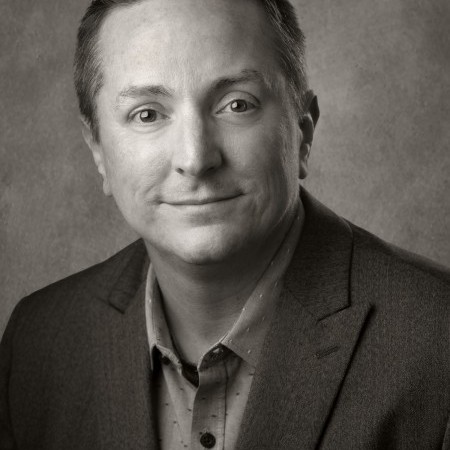
Larry Lourcey
M.Photog.M.Artist.Cr., CPP
Photographers rely on powerful computers to handle demanding digital workflows. In this session, Larry Lourcey breaks down everything you need to know about building and maintaining a computer that keeps up with your photography. Learn how to choose the right CPU, RAM, and SSD storage for speed and efficiency, plus best practices for backups and digital archiving. Larry explains how to safeguard your images through redundancy—using RAID arrays, cloud storage, and multiple devices—to ensure your creative work is always protected and ready to edit.